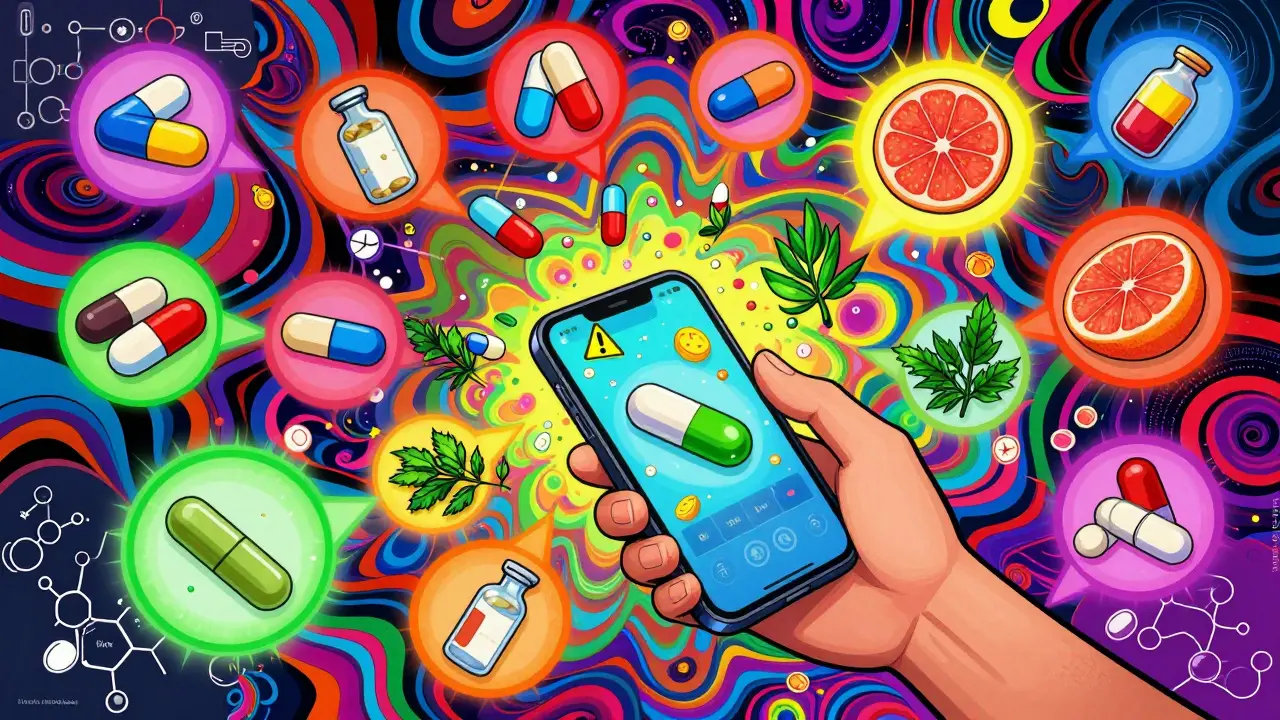
Drug Interaction Checker Simulator
Simulate the process of checking for potential drug interactions between medications and supplements. This tool demonstrates the steps described in the article to help you identify potential interactions safely.
Step-by-Step Process
Follow these steps to simulate using a drug interaction checker:
Medication Input
Your Medications
Interaction Results
More than half of adults in the U.S. take at least one prescription drug. For many, that number is three, five, or even ten. When you’re juggling multiple medications, supplements, or even over-the-counter painkillers, the risk of dangerous interactions goes up fast. A simple combo like warfarin and ibuprofen can lead to internal bleeding. Stopping a statin because of a fake alert might mean your cholesterol spikes. That’s where drug interaction checkers come in - not as magic bullets, but as essential safety nets.
What Exactly Is a Drug Interaction Checker?
A drug interaction checker is a tool that scans your list of medications and flags combinations that could cause harm. It doesn’t guess. It uses real pharmacology data - how drugs are absorbed, metabolized, and cleared from your body - to predict what might go wrong.
These tools exist in many forms:
- Mobile apps like Medisafe and Epocrates
- Web portals like the University of Liverpool’s DDI Checker
- Embedded systems inside hospital EHRs like Epic or Cerner
- APIs like DrugBank that developers use to build custom tools
Some are built for doctors and pharmacists. Others are designed for everyday users. But they all do the same thing: compare your meds against a database of known interactions and tell you what to watch out for.
Why You Can’t Rely on Memory - Or Just One Tool
You might think, “I know my meds. I’ve been taking them for years.” But here’s the problem: new drugs get added. Supplements change. Your liver starts processing things differently after a bout of illness or as you age.
Even experts don’t get it right every time. A 2016 study tested five major interaction checkers using 400 real prescription pairs. The top two - Lexi-Interact and Micromedex - correctly flagged 250 out of 400 dangerous combos. That means nearly 40% slipped through.
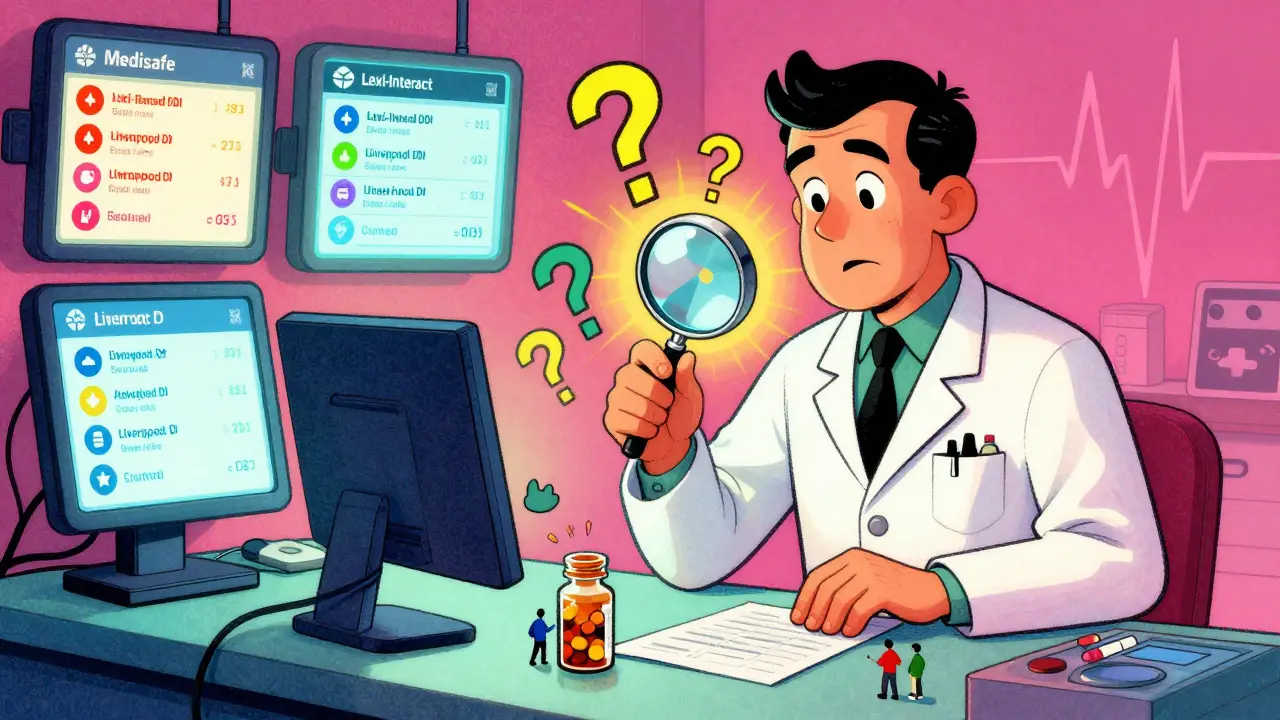
And that’s just accuracy. Comprehensiveness matters too. One tool might know every interaction with blood thinners. Another might miss how grapefruit juice affects your blood pressure pill. That’s why pharmacists often use two or three checkers at once. They know no single system has it all.
Step-by-Step: How to Use a Drug Interaction Checker
Whether you’re using a phone app or a hospital system, the process is nearly the same. Here’s how to do it right.
- Write down every substance you take - not just prescriptions. Include vitamins, herbal supplements, OTC pain relievers, and even occasional alcohol or marijuana. Missing one can break the whole check.
- Use exact names. Don’t type “aspirin.” Type “acetylsalicylic acid 81 mg.” Or use the brand name if you know it - “Bayer Aspirin.” Generic names often get misrecognized. Plumb’s checker, for example, failed to recognize “metoprolol” 32% of the time in user support logs.
- Specify the form and route. Is your antibiotic oral? Topical? Injected? DrugBank’s system requires this because a skin cream won’t interact the same way as a pill. If your tool lets you pick “oral” or “IV,” don’t skip it.
- Add each drug one at a time. Don’t rush. After entering each one, check that the system picked the right match. Some tools list 10 versions of “ibuprofen” - choose the one that matches your bottle.
- Review the results with color codes. Most systems use them:
- Red = Avoid this combo. High risk of serious harm (e.g., statin + grapefruit juice).
- Orange = Monitor closely. Dose change or extra tests may be needed (e.g., SSRIs + tramadol).
- Yellow = Minor issue. Note it, but no action required (e.g., calcium supplement with thyroid med).
- Green = No known interaction.
Click any icon next to the result. It’ll explain why the interaction matters - not just “risk,” but how it happens. For example, “This combo increases serotonin levels, raising risk of serotonin syndrome.” That’s the detail you need.
- Don’t ignore alerts just because they’re frequent. A 2023 study found clinicians override 49% of DDI alerts - often because they’ve seen the same warning before. But that doesn’t mean it’s wrong. If you’re new to a drug, or your kidney function dropped, that old “yellow” alert might now be red.
- Take action, don’t just see it. If the checker says “avoid,” ask your doctor or pharmacist: “What’s the alternative?” If it says “monitor,” ask: “What signs should I watch for? How often should I get tested?”
Top Tools for Different Users
Not all checkers are made equal. Here’s who should use what.
| Tool | Best For | Accuracy | Ease of Use | Special Features |
|---|---|---|---|---|
| Medisafe (App) | Consumers managing daily meds | Good for common combos | Very easy - tap, select, done | Syncs with pill reminders; alerts for 100,000+ interactions since launch |
| Lexi-Interact | Healthcare professionals | Top-rated - 250/400 in tests | Cluttered interface | Includes food, supplement, and disease interactions |
| University of Liverpool DDI Checker | People on COVID-19 or antiviral meds | Excellent for antivirals | Simple visual icons | Updated for long-COVID treatments; free to use |
| DrugBank API | Developers building health apps | High - uses verified IDs | Requires coding skills | Can check 50+ supplement interactions; used by hospitals |
| Epocrates | Doctors on the go | 63% confidence rating from users | Fast search, mobile-friendly | Integrated with EHRs; 127 video tutorials available |
For most people, Medisafe is the easiest starting point. It’s free, works on iPhone and Android, and lets you build a digital “Med Cabinet.” For professionals, Lexi-Interact or Micromedex are gold standards - but you usually need hospital access.
What They Don’t Tell You - The Hidden Risks
Even the best tools have blind spots.
- Supplements are underreported. Most checkers don’t fully cover herbs like St. John’s Wort or kava. A 2023 SPS survey found 74% of pharmacists manually verify supplements because automated tools miss them.
- Food interactions get ignored. Grapefruit juice affects over 85 drugs. But if you just type “atorvastatin,” the tool might not ask if you drink grapefruit juice daily.
- Alert fatigue kills. In one hospital, doctors overrode 78% of DDI alerts. After they tuned the system to show only high-risk alerts for each specialty, override rates dropped to 34%.
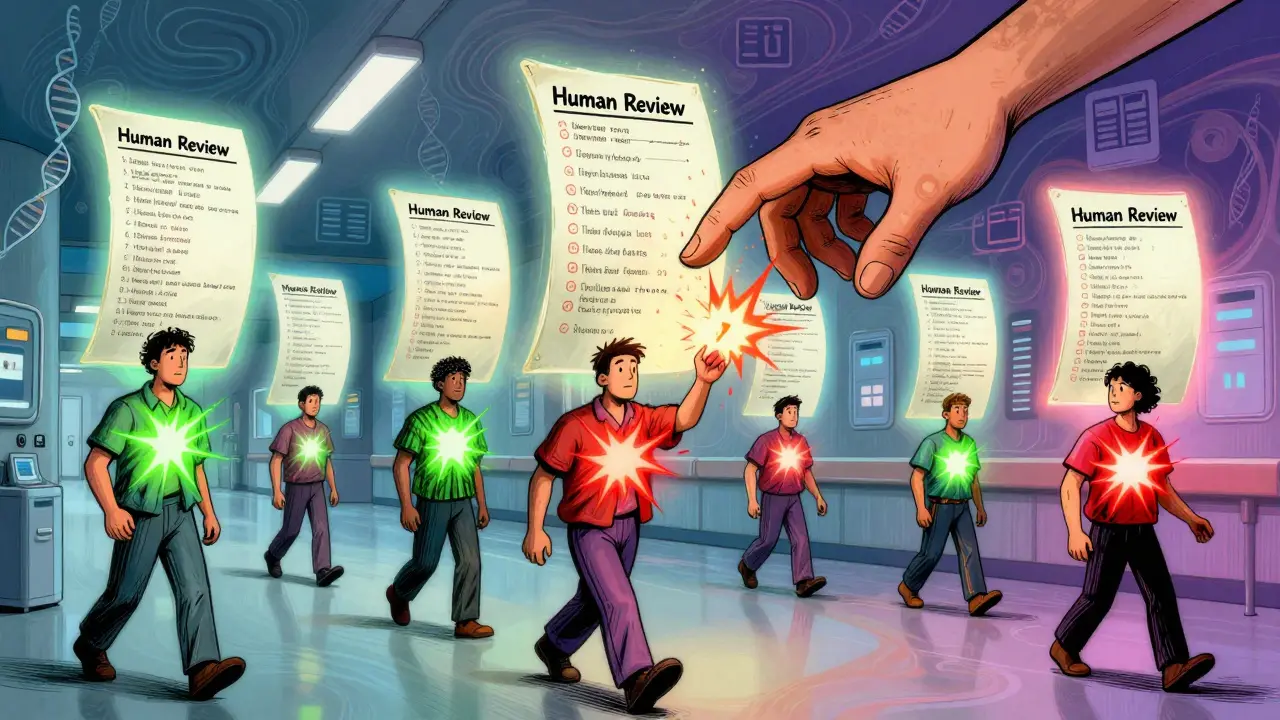
- They don’t know your history. A checker won’t know you had a bleed last year. Or that you’re 78 and your kidneys are slowing down. That’s why human review is still critical.
The bottom line? Use the tool. But never trust it blindly.
What to Do When the Checker Says “No Interaction”
Just because it says green doesn’t mean it’s safe.
Some interactions are rare. Others depend on your genes. For example, people with a CYP2D6 gene variant process certain antidepressants much slower - and that’s not in most databases. Mayo Clinic is piloting systems that add genetic data, and early results show 31% better accuracy.
If you’re unsure - even if the tool says “all clear” - ask your pharmacist. They have access to deeper databases and can spot patterns you might miss.
Final Tip: Keep It Updated
Medications change. New interactions are discovered all the time. The University of Liverpool updates their checker every 3 months. DrugBank added 120 new supplement interactions in August 2023. Even your pharmacy’s system gets quarterly updates.
Every time you start a new drug - even a simple antibiotic - run the checker again. Don’t assume last month’s check still applies.
Drug interaction checkers won’t replace your doctor. But they can save your life if you use them right. They’re not magic. But they’re powerful. Treat them like a seatbelt - you don’t need it every second, but you’re way safer when you wear it.
Can I trust free drug interaction checkers online?
Yes - if they’re from trusted sources. The University of Liverpool’s checker is free and widely used by hospitals. Medisafe and Epocrates offer free versions with solid accuracy. But avoid random websites with no clear publisher. Stick to tools backed by universities, pharmacies, or major health publishers like Lexicomp or Micromedex.
Do drug interaction checkers work for supplements and herbs?
Some do, but not all. Most consumer apps only cover common supplements like calcium or vitamin D. Powerful tools like DrugBank and Lexi-Interact include more - St. John’s Wort, ginkgo, garlic - but even they miss newer or obscure herbs. If you take herbal products, always cross-check with a pharmacist. They have access to databases that track rare interactions.
Why does my checker say my meds are safe, but my pharmacist says they’re not?
Pharmacists use multiple checkers and clinical experience. Your app might only use one database. Also, pharmacists consider your age, kidney function, and other health conditions - things most apps don’t ask for. If there’s a mismatch, trust the pharmacist. They’re trained to spot what automated systems miss.
Are drug interaction checkers required by law?
In hospitals and clinics in the U.S., EHR systems must include drug interaction alerts as part of FDA guidelines for clinical decision support. But for consumer apps, there’s no legal requirement. That’s why quality varies so much. Always check who built the tool and whether it’s based on peer-reviewed data.
Can I use a drug interaction checker for my pet?
No. All major drug interaction databases are built for human pharmacology. Animals metabolize drugs completely differently. A dose safe for a person can be deadly for a dog or cat. Always use a veterinary-specific resource or consult your vet directly.
How often should I check for interactions?
Every time you start, stop, or change a medication - even a new OTC painkiller or sleep aid. Also check every 6 months if you take 5+ medications regularly. Your body changes. New interactions emerge. What was safe last year might not be today.
Julie Chavassieux
December 22, 2025 AT 20:32Sai Keerthan Reddy Proddatoori
December 24, 2025 AT 02:36Jeremy Hendriks
December 24, 2025 AT 23:14jenny guachamboza
December 26, 2025 AT 12:37Tarun Sharma
December 26, 2025 AT 19:03Kiranjit Kaur
December 28, 2025 AT 12:40Jim Brown
December 29, 2025 AT 07:18Sam Black
December 30, 2025 AT 12:22Jamison Kissh
December 30, 2025 AT 13:40